
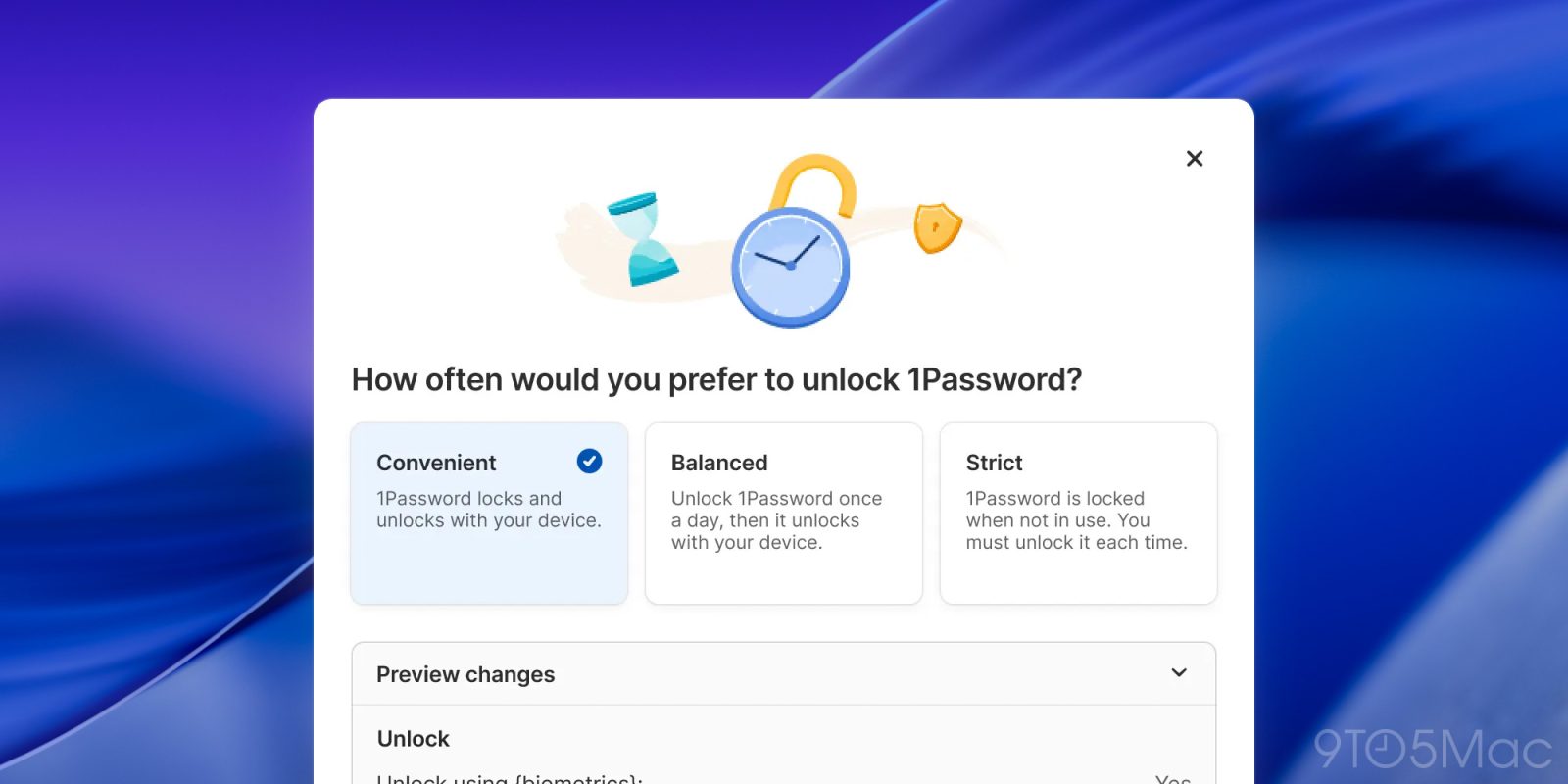
Today, 1Password announced a new “unlock with device” setting that auto-unlocks the app when you unlock your Mac. Here’s how it works.
Three new settings for users with different security needs
1Password is introducing a new “unlock experience” to its desktop app, which allows users to set it to unlock when logging into a device with Face ID, Touch ID, a PIN, or a password.
The company says that it took the necessary precautions to make “unlocking 1Password faster and simpler, without changing what makes it secure”:
“What’s new is how 1Password recognizes trust. When your device has already verified you through a secure method like a biometric login or system password, 1Password now accepts that verification, allowing you to access your credentials in a seamless way.”
In practice, that means users may now choose to skip typing their master password each time they need to access their vault.
With today’s update, the unlocking experience lets users choose from the following three settings:
- Convenient: 1Password locks and unlocks automatically with your device
- Balanced: Unlock 1Password once every 8 hours, then it unlocks with your device
- Strict: 1Password locks whenever it’s not in use, and you’ll need to unlock it each time you return
1Password will also let users further customize their unlocking experience through a preview changes toggle, where they will “find additional ways to tailor your experience, like unlocking with your device password instead of Touch ID, unlocking automatically when your device does, or choosing to stay signed in until you decide otherwise.”
The company also explains that users who opt for the more flexible unlock option, or turn off the regular password confirmations, will be requested to create a recovery code.
Finally, 1Password notes that the feature isn’t yet available for Business accounts, that presets don’t sync across devices, and that a similar option already exists on mobile.
To read more about 1Password’s new unlocking options, follow this link.
Via MacMagazine
Accessory deals on Amazon
- Apple AirTag 4 Pack
- Beats USB-C to USB-C Woven Short Cable
- Logitech MX Master 4
- AirPods Pro 3
- Wireless CarPlay adapter
- iPhone Air Ultraslim Magsafe Power Bank


FTC: We use income earning auto affiliate links. More.


Comments